
The HDP on Windows installer sets up Windows services for each HDP component across the nodes in a cluster. Use the instructions given below to start HDP services from any host machine in your cluster.
Complete the following instructions as the administrative user:
Start the HDP cluster, by running the following command from any host in your cluster.
%HADOOP_NODE_INSTALL_ROOT%\start_remote_hdp_services.cmd
![[Important]](../common/images/admon/important.png)
Important If you want to Enable NameNode High Availability, do so while starting HDP services. Do NOT wait until all services have started.
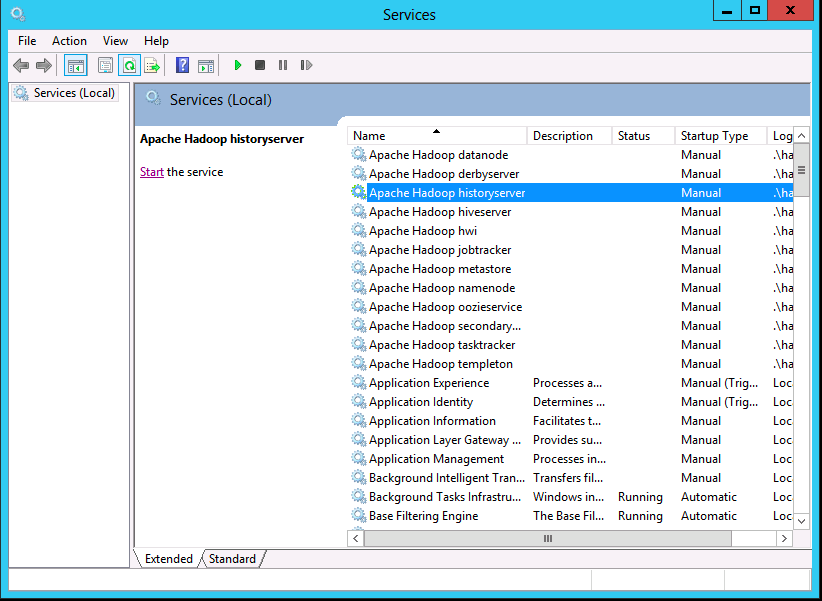
Open the Services administration pane, Control Panel > Administrative Tools > Services.
Against all the services that are installed successfully, you should see the following message as highlighted in the screenshot below: