

Stopping a Sensor
After you install a sensor, you can stop it using Management module.
From the main window, click
 (stop) in
  (tool bar) on the right side of the window.
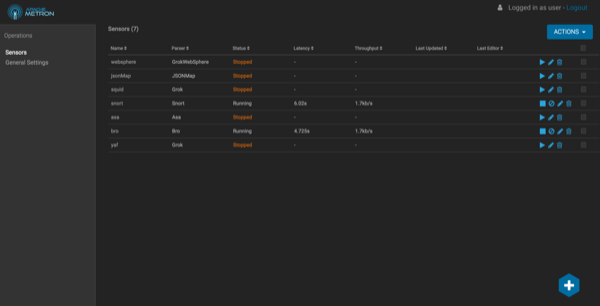
Stopping the sensor might take a few minutes. When the operation completes successfully, the Status value for the sensor changes to Stopped