

The HDP Security
Administration Interface default port is
6080.
To sign in and change the password:
Open a browser and type
http://policymgr-host:6080in the address bar.The log in screen displays.
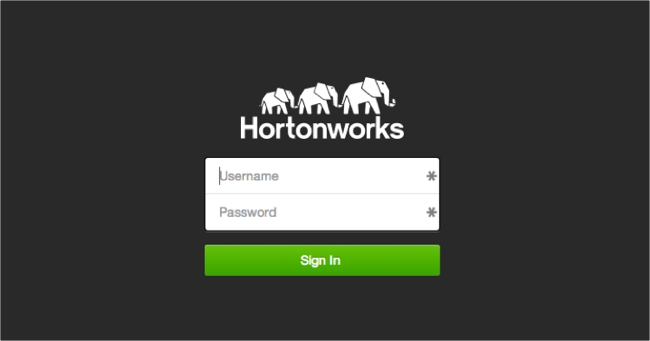
Enter the default account credentials. In the first field enter
adminand in the second fieldadmin.Click .
The HDP Security Administration Web UI Home page displays.
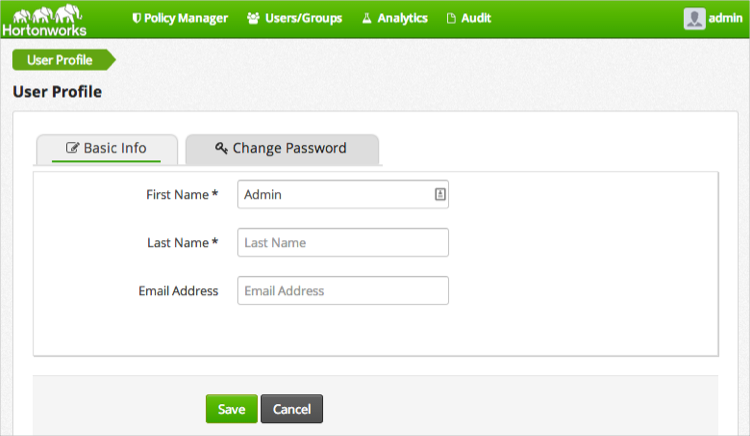
In the upper right corner, click > .
The Basic Info tab displays.
![[Tip]](../common/images/admon/tip.png)
Tip Information on the admin profile cannot be changed.
Go the tab, type the old password and the new one to change the password.
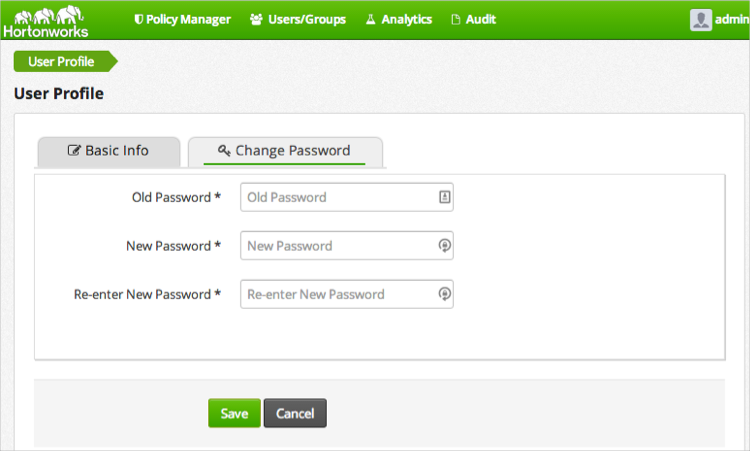
Click .
Log out and then back in using the new password.
